Blog · Feature update
One project, many rooms: projects now have areas
A whole-home job no longer has to be split into separate projects. Keep it together as one, give each room its own area with its own photos and description, and each area still shows up in its own category on your website.
Whole-home remodel
Full-Home Design- Kitchens
- Mudrooms
- Living rooms
The kitchen shows on your Kitchens page with its own photos, and opens straight at the kitchen section. Hover or tap an area.
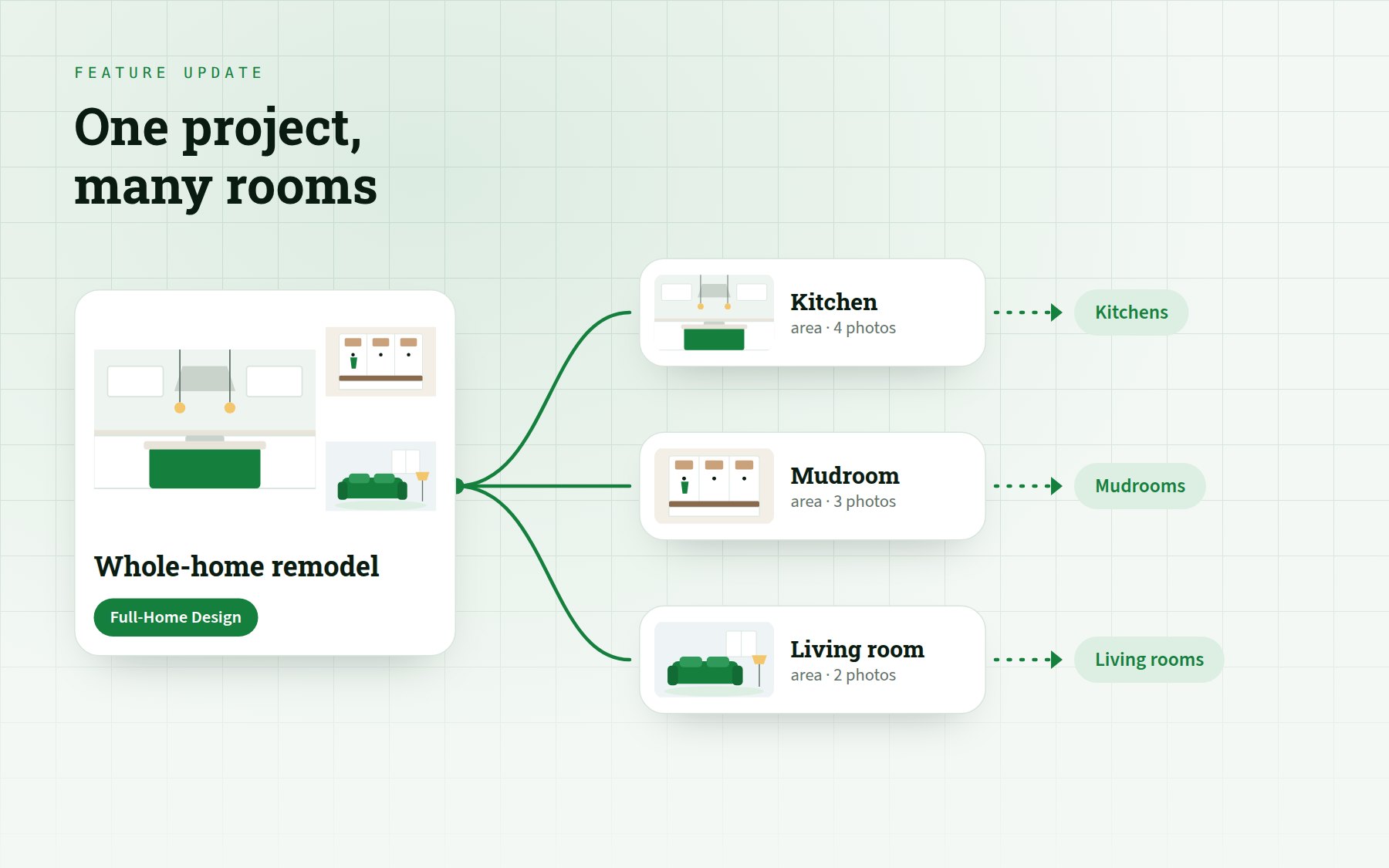
Most jobs in a portfolio are not one room. A whole-home remodel touches the kitchen, a mudroom, the living room, and until now it had to live on the website as separate projects, each telling part of the story.
One project, as many areas as the job had
A project can now be split into areas. Each area picks its own category, has its own description and holds its own photos. The project keeps a category of its own, such as Full-Home Design, and its page tells the whole story in order: one section per area.
Areas
Each area shows in its own category on your website.
· shows on
Try it: change a category, add an area or add a photo.

Every area still shows where people look for it
Someone browsing kitchens still finds the kitchen. The project appears on the category page of every area it has, with that area's own photo and name, and opens straight at that section. Under its own category it appears as the whole job.
Services
Kitchens
Whole-home remodel — Kitchen
Opens at the kitchen section →
Switch categories: the same project shows the matching area.

Nothing is lost when projects are combined
- Photos move with everything attached to them, including where they were already posted on Google.
- Reviews, collaborators, timelapses and before-and-afters come along.
- Old project links keep working and open the right section of the combined project.
Areas are rolling out to the sites we run, starting with interior design.